Backwashing cleans the filter by flushing out trapped dirt and debris. The system is designed so this process is fully automated.
In some cases you may wish to trigger this manually, if so follow these simple steps:
How to Activate the Backwash Cycle Manually
-
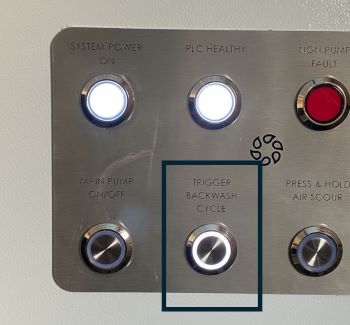
Go to the control panel
-
Locate and press “Trigger Backwash Cycle” button
-
The system will automatically start the backwash cycle
-
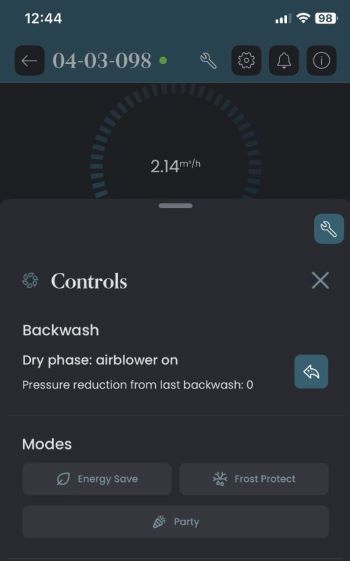
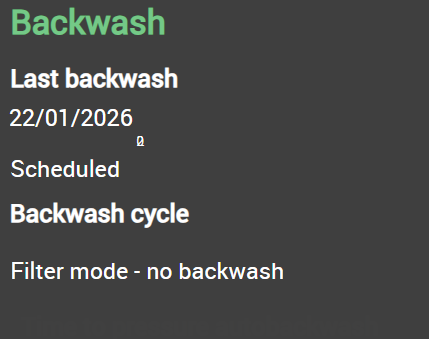
Check the status of the backwash on the homepage of the touchscreen or via the app:
After the Backwash
-
The system will return to filtration mode
-
The system "Main Flow" should return to the target flow rate - check this on the touchscreen or via the app
-
No further action is required
If the Backwash Does Not Start
-
Ensure no active faults preventing the operation
-
If the issue persists, contact your service engineer or support team
Backwashing is simple by design — if it feels complicated, something else is going on.